Racquet Courts
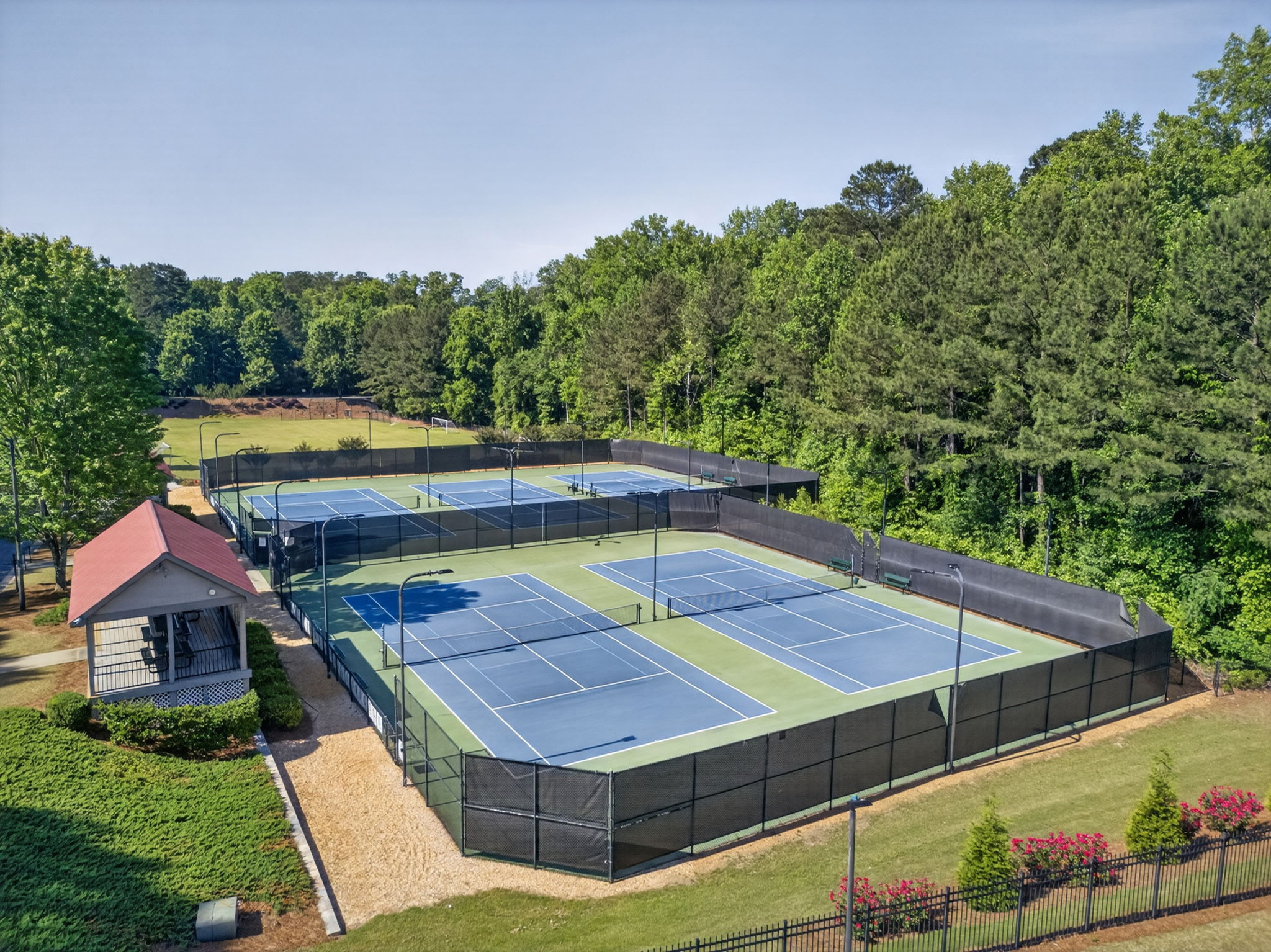
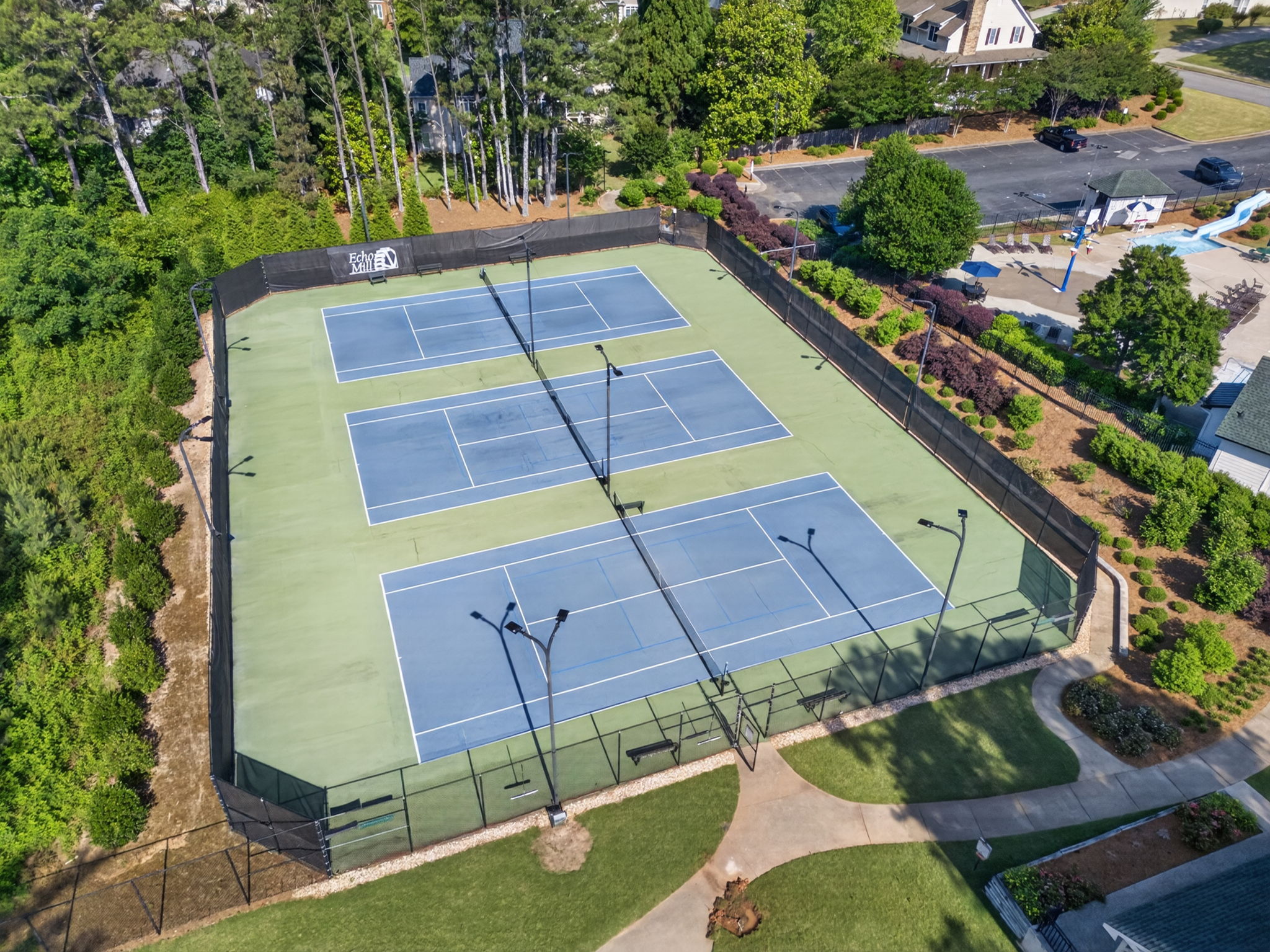
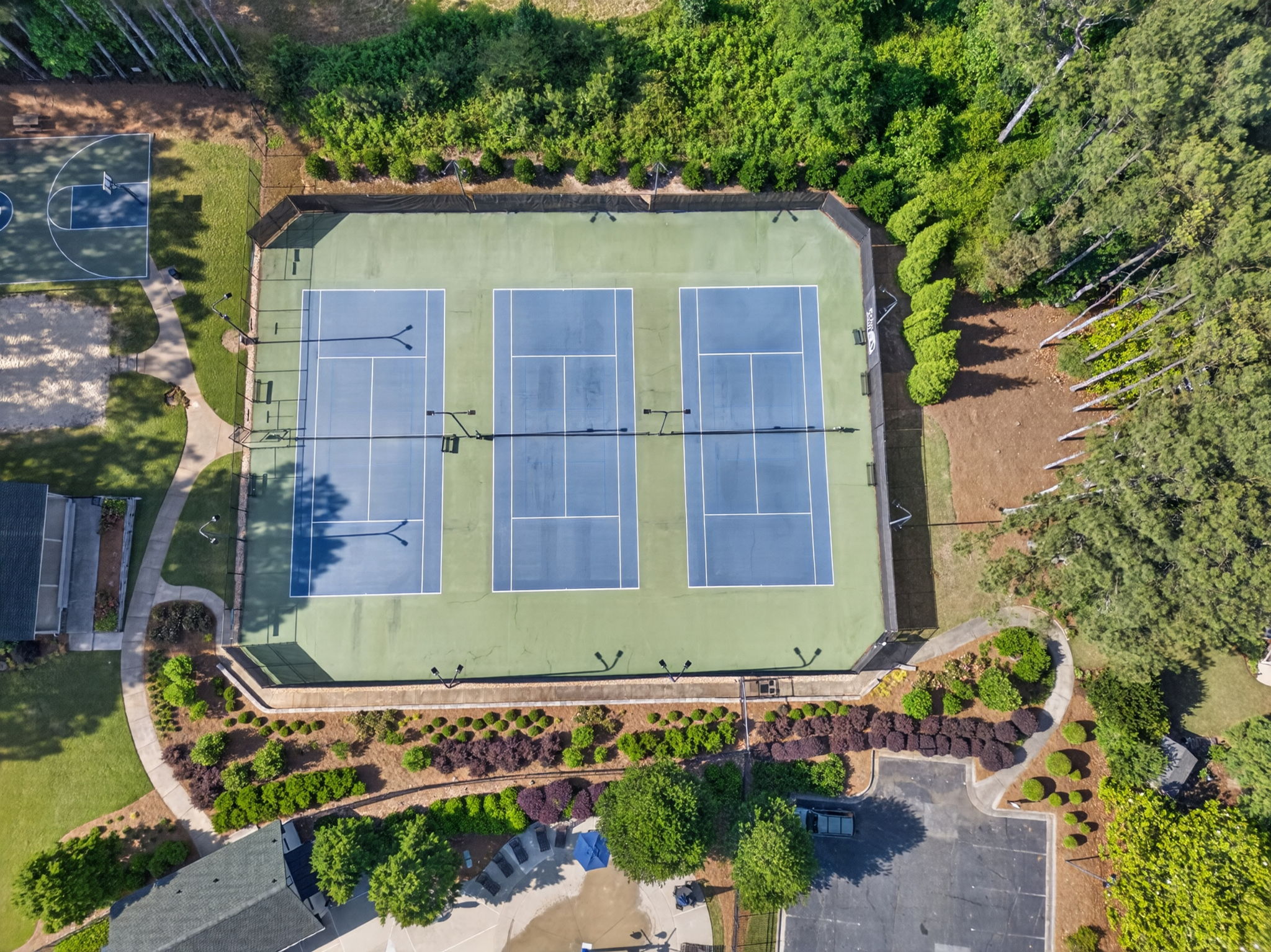
The Echo Mill Racquet Courts are designed for both tennis and pickleball play
Our courts support casual play, practice sessions, and organized league teams, all managed through an easy online reservation system.
- 8 total racquet courts
- Tennis and pickleball supported equally
- Dual-striped courts available
- Online reservations required for all play
- Guest play permitted with residents
What's New
Our former tennis courts are now officially called Racquet Courts to reflect their dual use for both tennis and pickleball.
- Courts 4 through 8 are striped for dual-use play
- Online reservations organize court access and availability
- Court resurfacing is planned for early next year
This update helps ensure fair access and a better playing experience for everyone.
Court Etiquette and Safety
To keep the courts safe and enjoyable:
- Courts are for racquet sports only
- No bicycles, scooters, skateboards, or non-sport activities
- Please respect reservation times
- Leave courts clean and ready for the next players
Court Use Policy
The racquet courts are private property of the Echo Mill subdivision and are intended for the enjoyment of Echo Mill residents and their guests.
- Residents are welcome to use the courts at any time according to community guidelines.
- Non-residents may use the courts only when accompanied by an Echo Mill resident.
- Residents are responsible for ensuring guests follow community rules while using the courts.
These guidelines help preserve the courts and ensure fair access for all residents.
Guests and Team Play
Guests are welcome when playing with an Echo Mill resident. Approved league and team play is also supported, including:
- ALTA teams
- USTA teams
All organized teams use must be approved in advance by the Court Administrator.
How To Reserve A Court
All court usage requires a reservation.
Step 1: Create Your Account
- Go to ReserveMyCourt.com
- Select “Create an Account”
- Add your household address information
- Connect to Echo Mill as your club
- Request approval
Step 2: Account Approval
The Court Administrator approves household connections before reservations can be made.
Step 3: Make a Reservation
- Select your date and time
- Choose your court
- Confirm your reservation
Reservations can be made using the website or mobile app.
Court Reservation Rules
|
Rule |
Details |
|
Household Accounts |
One account per household |
|
Active Reservations |
One court reserved at a time |
|
Weekly Limit |
Up to two reservations per week |
|
Reservation Length |
Maximum of 2 hours |
These guidelines help provide fair access for all residents.
Questions or support
For help with reservations, approvals, team requests, or maintenance requests, please contact the Court Administrator:
Mark Morris: markechomill@gmail.com
Court Locations
Back Amenities Area
Courts 1 through 5
Front Amenities Area
Courts 6 through 8
Dual Tennis & Pickleball Courts
Courts 4 through 8